Your AI interior designer
Every room has a better version.
Photograph what you have. We'll show you what it could be — and where to buy it. One photo, about ten seconds, 24 styles to try it in.
- Free to download — pay per design with credits that never expire
- A finished room in about 10 seconds
- Furniture you can actually buy, matched from your own design

How it works
Four steps, one photo
No floor plans to draw, no measurements to enter, no 3D software to learn. The room you photograph is the room you get back.
- 1
Photograph the room
Stand in a corner and back up — two walls beat one. Turn the lights on. Hold the phone level, because a tilt comes back as a warp.
- 2
Pick a style
Twenty-four of them, from Scandinavian to Art Deco, plus an accent colour. Or skip the tiles and describe what you want in your own words.
- 3
Wait about ten seconds
A design takes roughly 10 seconds — and versions render in parallel, so asking for up to 4 at once takes no longer than one. You can leave the screen — it keeps rendering.
- 4
Shop what you liked
Tap 'Find matches' and we detect the furniture in your design, then look for real products that resemble it. Matching costs nothing.
Three ways in
Start from a photo, an empty room, or a sketch
Each input gets its own treatment. What stays fixed is the architecture — walls, windows and doors are where you left them.
-
A room you already live in
Point your camera at the wall you're stuck on. Roomagine keeps the room — its windows, its proportions, its awkward corner — and restyles everything in it.
-
An empty room
Moving in, or mid-renovation? We furnish bare walls from scratch and keep the architecture exactly where it is.
-
A sketch on paper
Draw the room you have in mind, however roughly. We read the sketch and return a photorealistic, furnished version of it.


Design styles
Twenty-four styles, and a text box for everything else
Eight are one tap away. The other sixteen sit behind 'More styles', and the app remembers whichever you used last. Pick an accent colour to go with it, or ignore the tiles entirely and describe the room you want.
Custom prompt
"warm oak, low light, one big plant, nothing matching"
Write it however you'd say it out loud. Custom prompts render one version at a time so you can read the result before spending another credit.
Room types
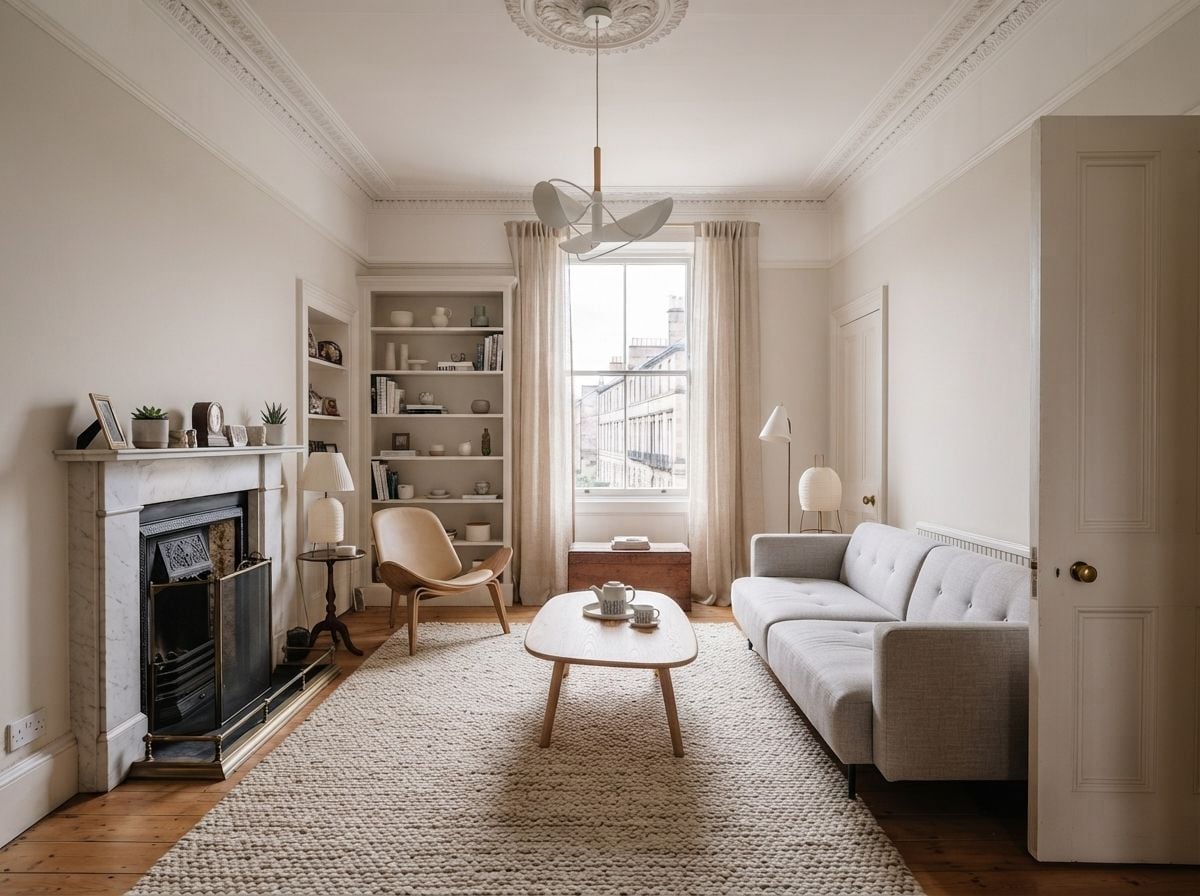
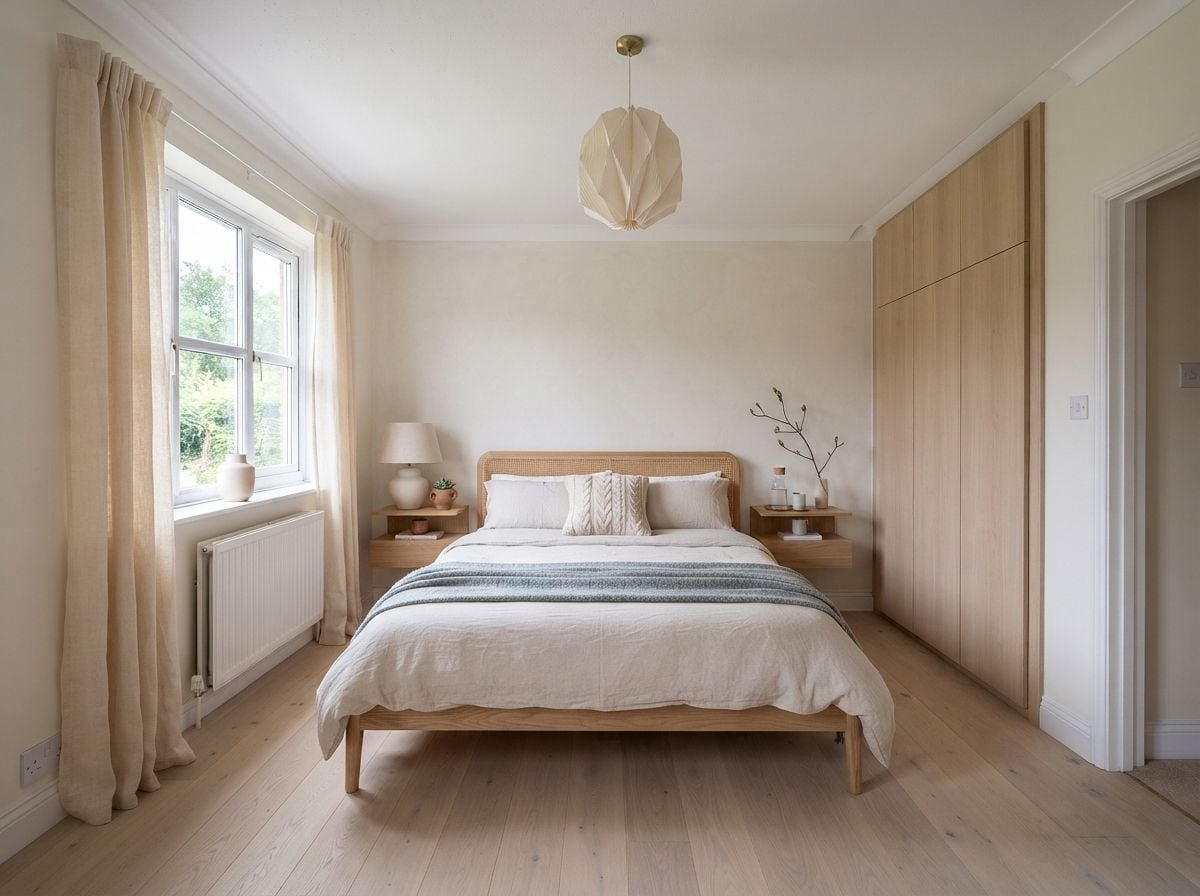
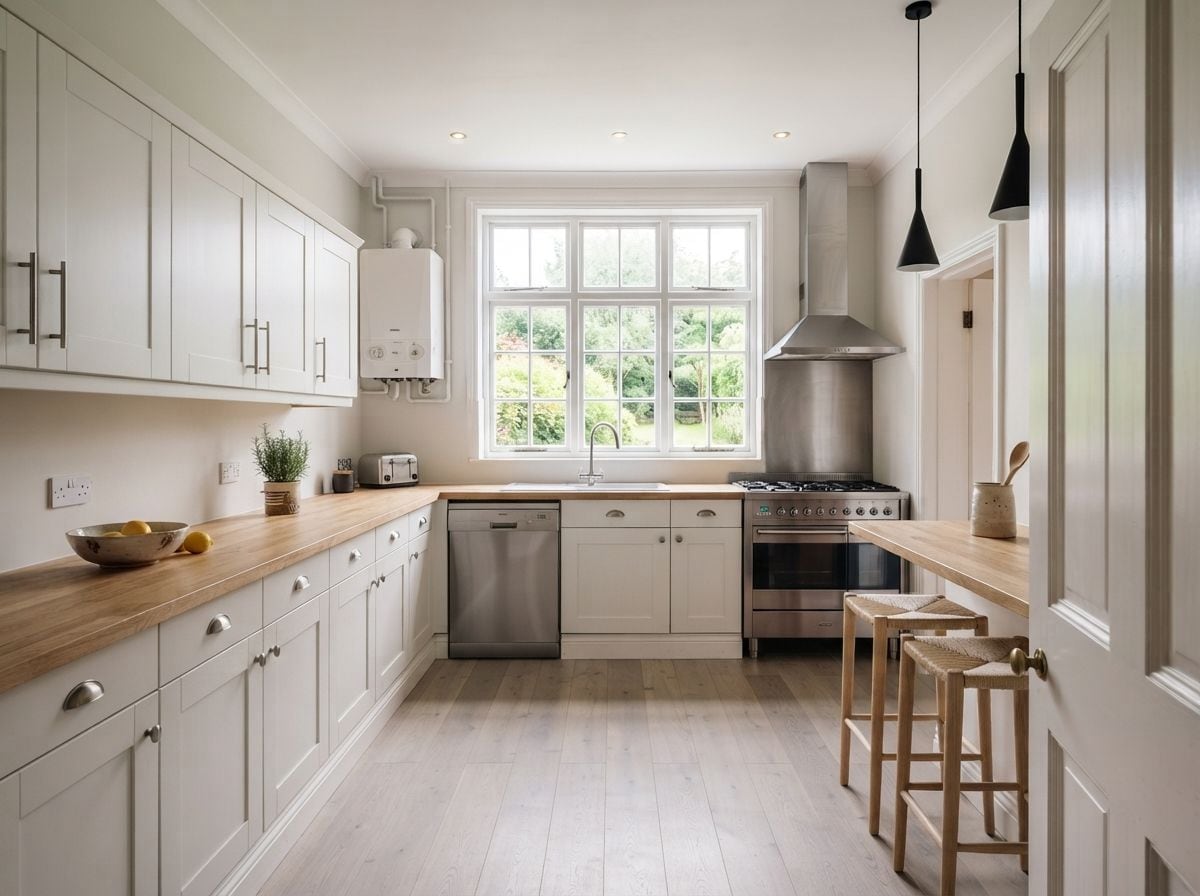
Eight kinds of room, each with its own rules
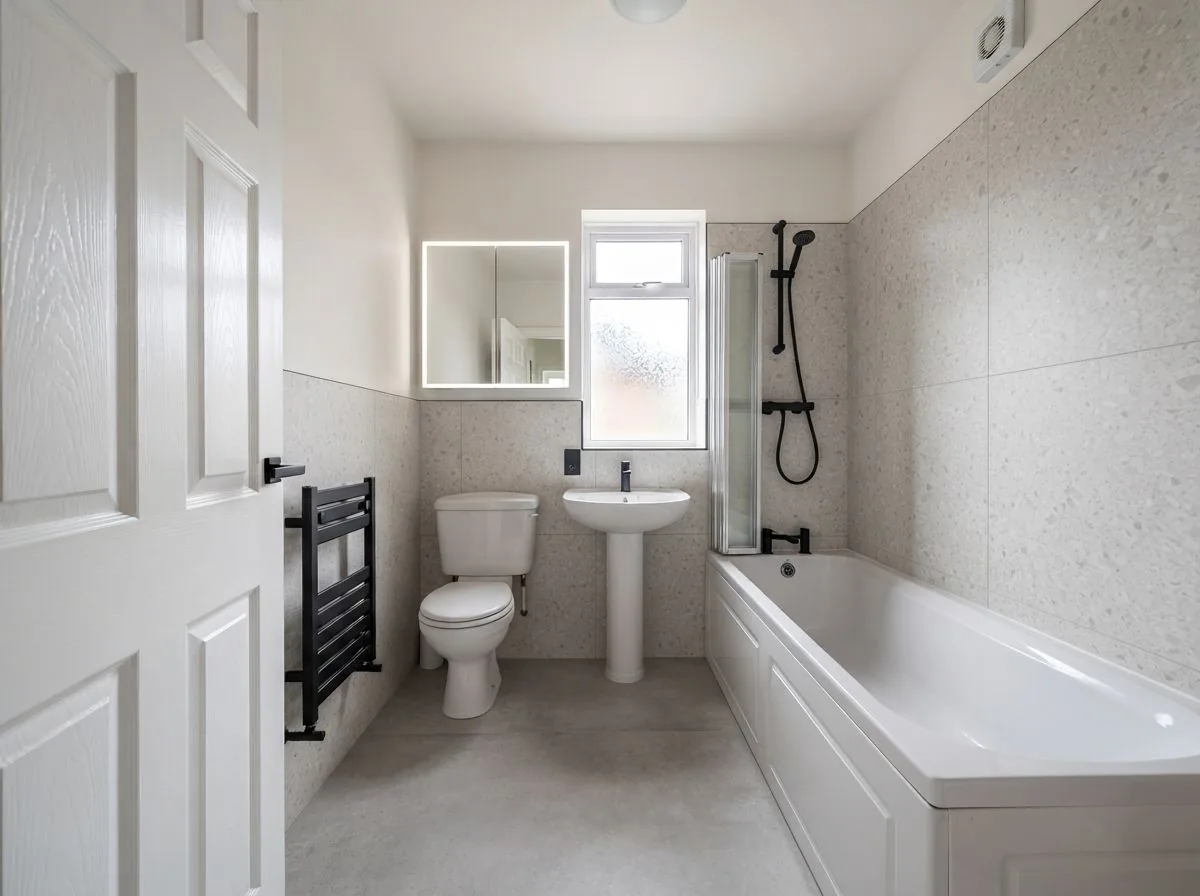
A bathroom isn't a living room with a different sofa. Every room type carries its own vocabulary, so sanitaryware and kitchen units stay where the plumbing is while their finishes change around them.
-
Living room
-
Bedroom
-
Kitchen
-
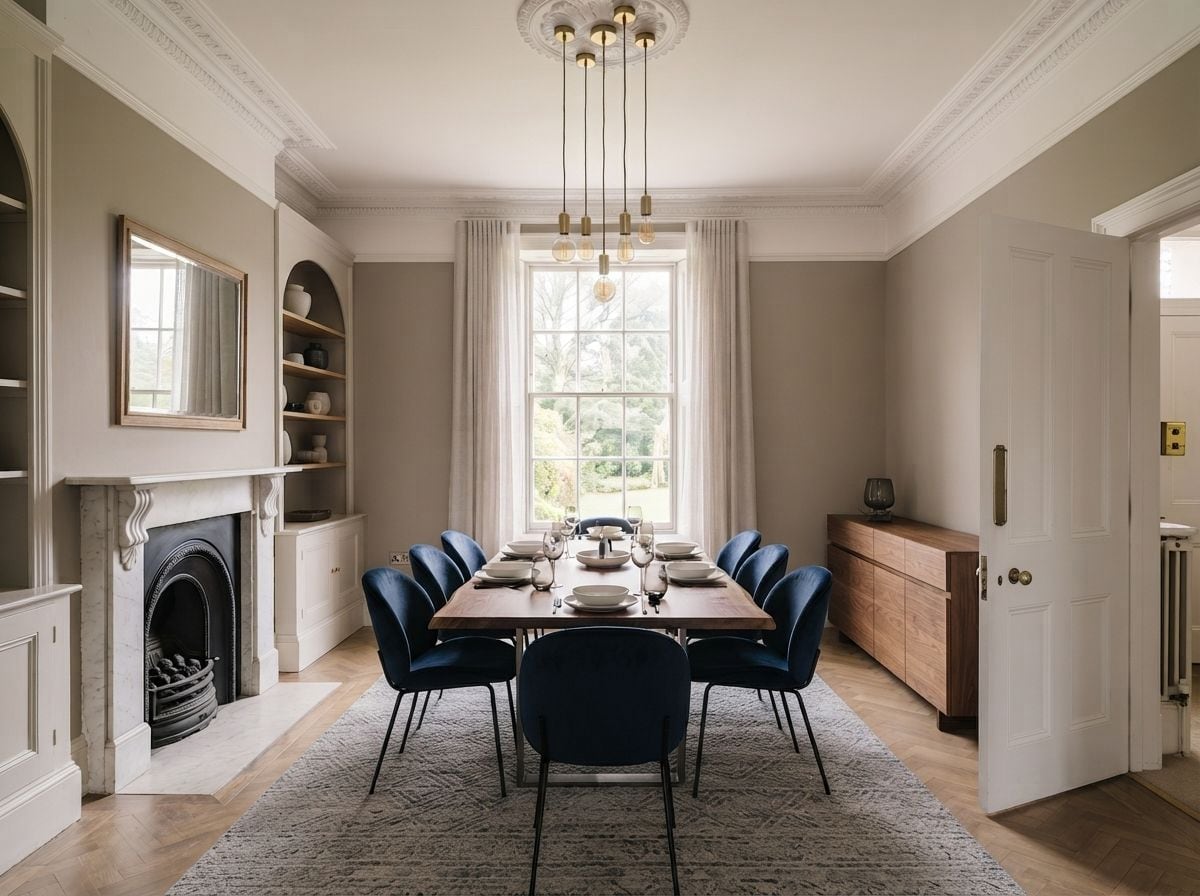
Dining room
-
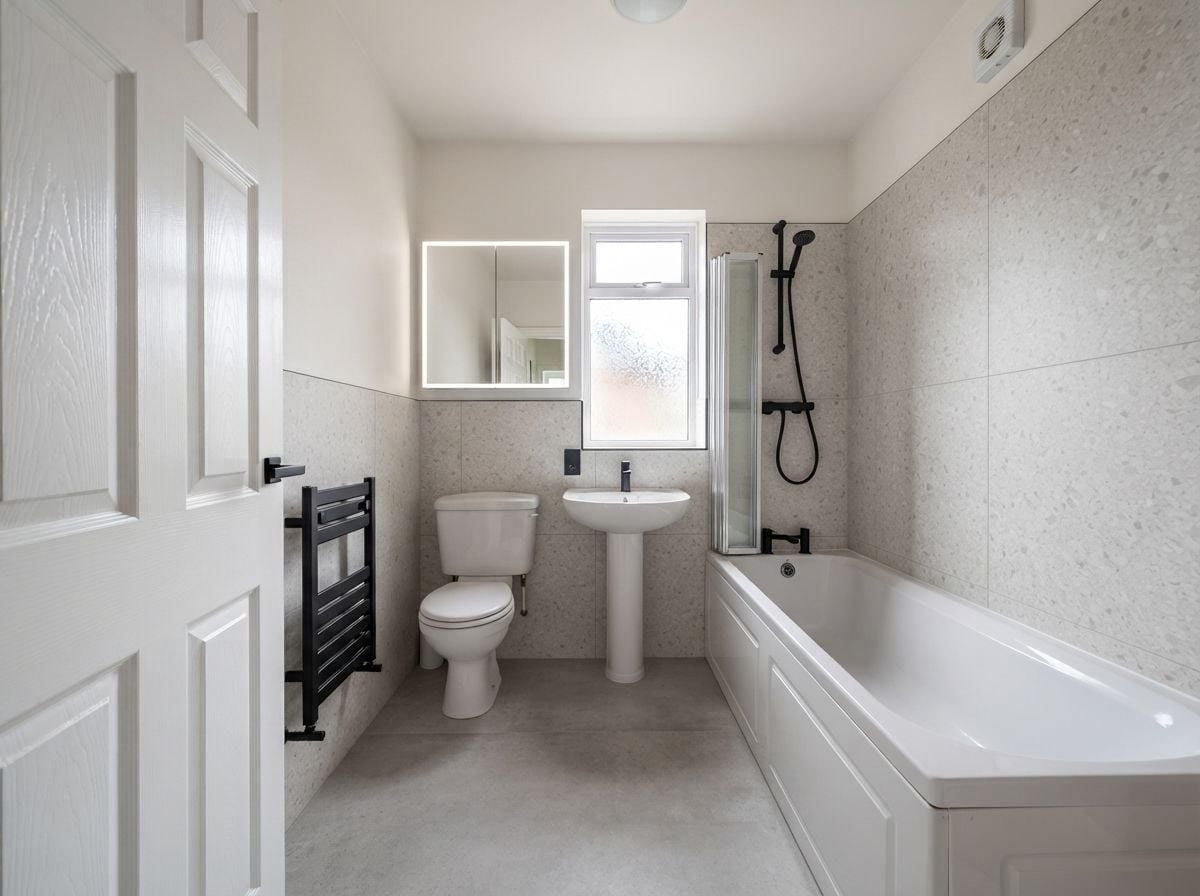
Bathroom
-
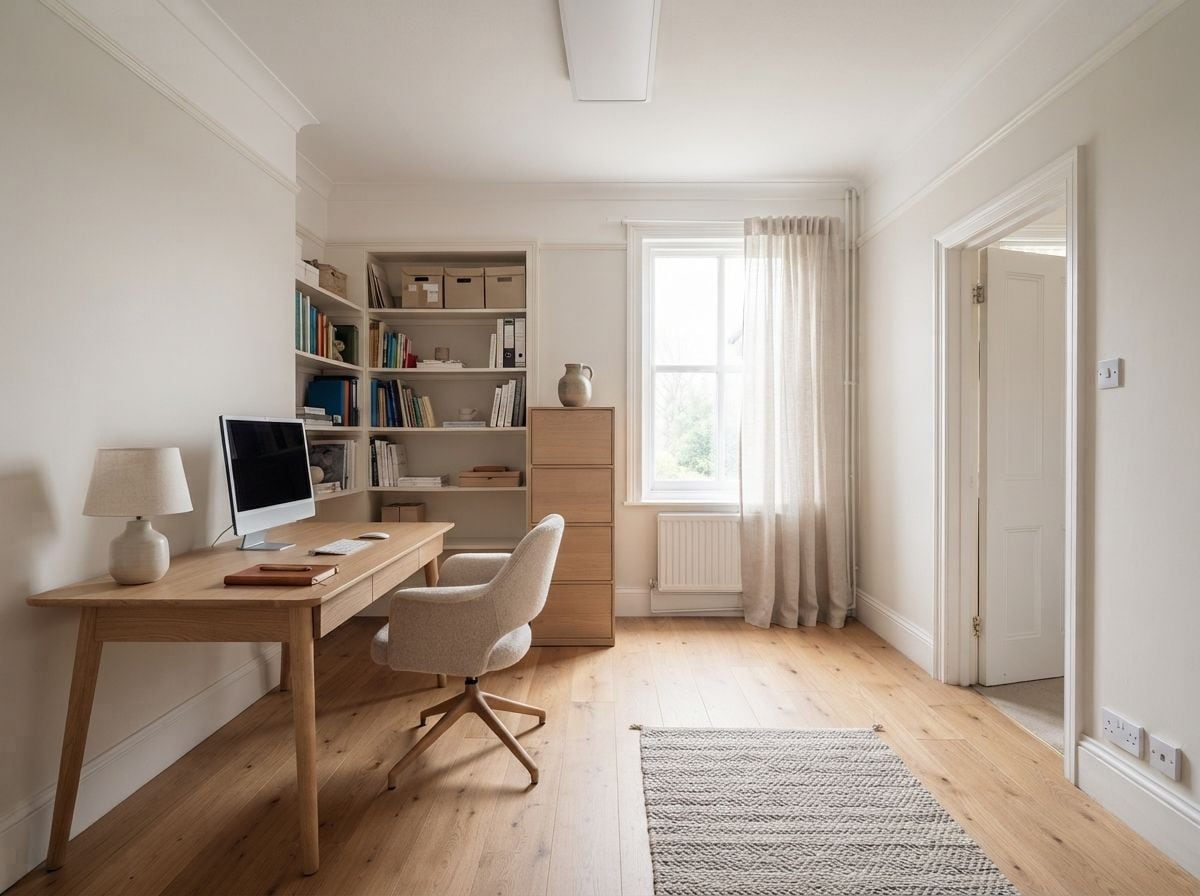
Office
-
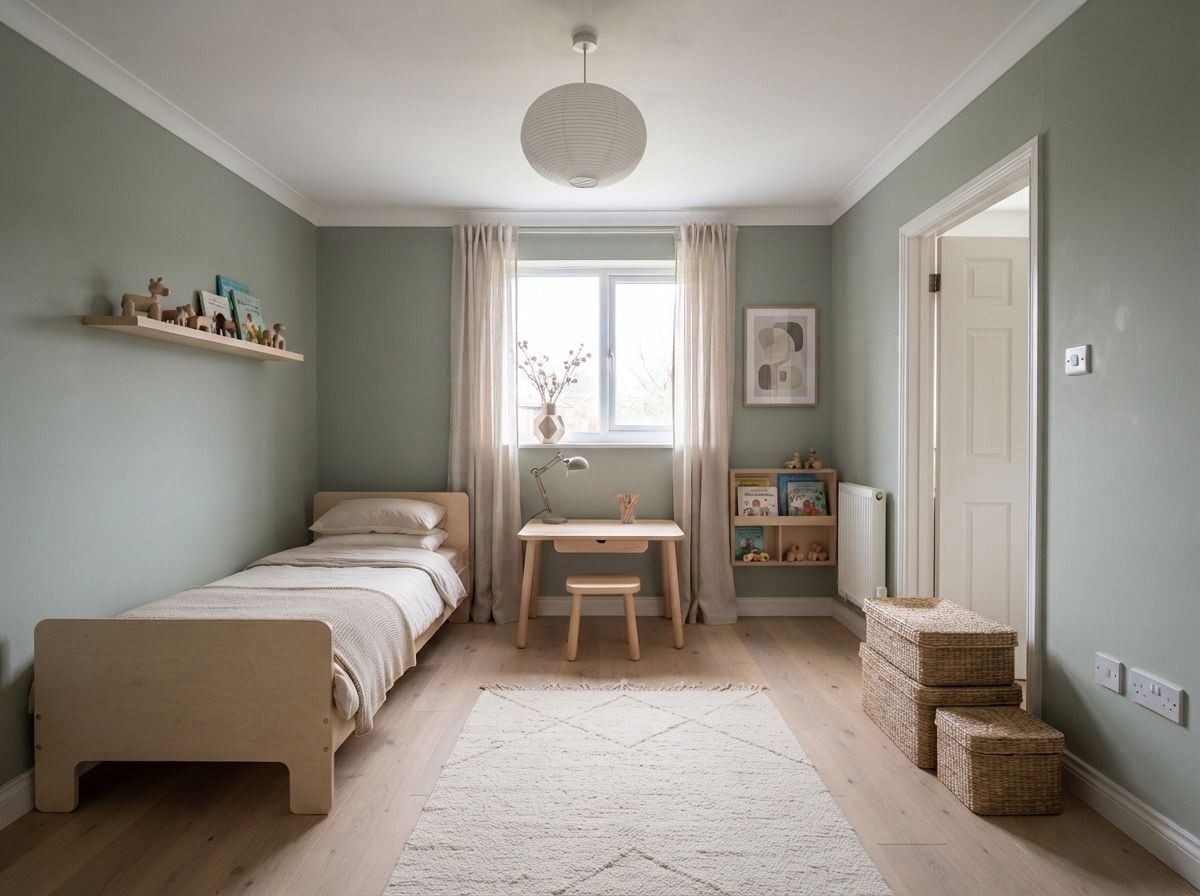
Kids' room
-
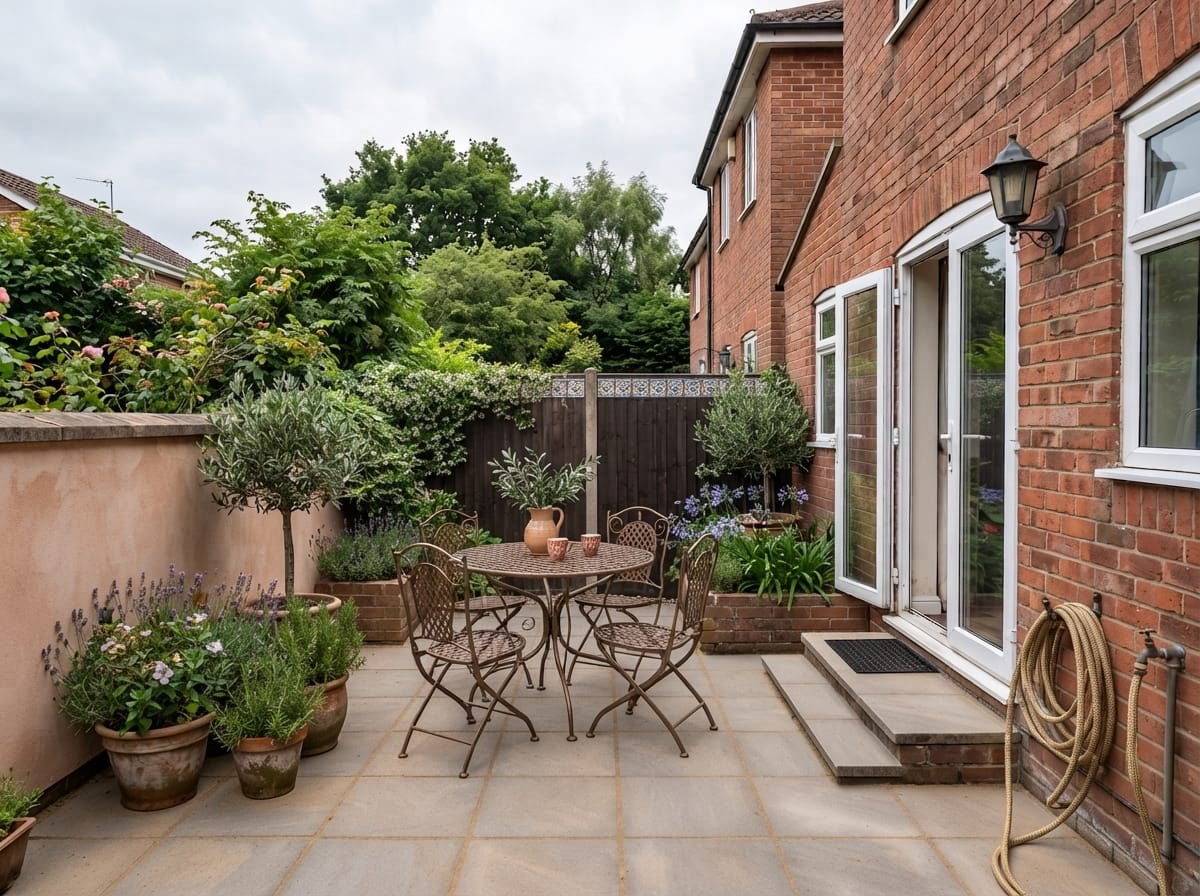
Outdoor & patio
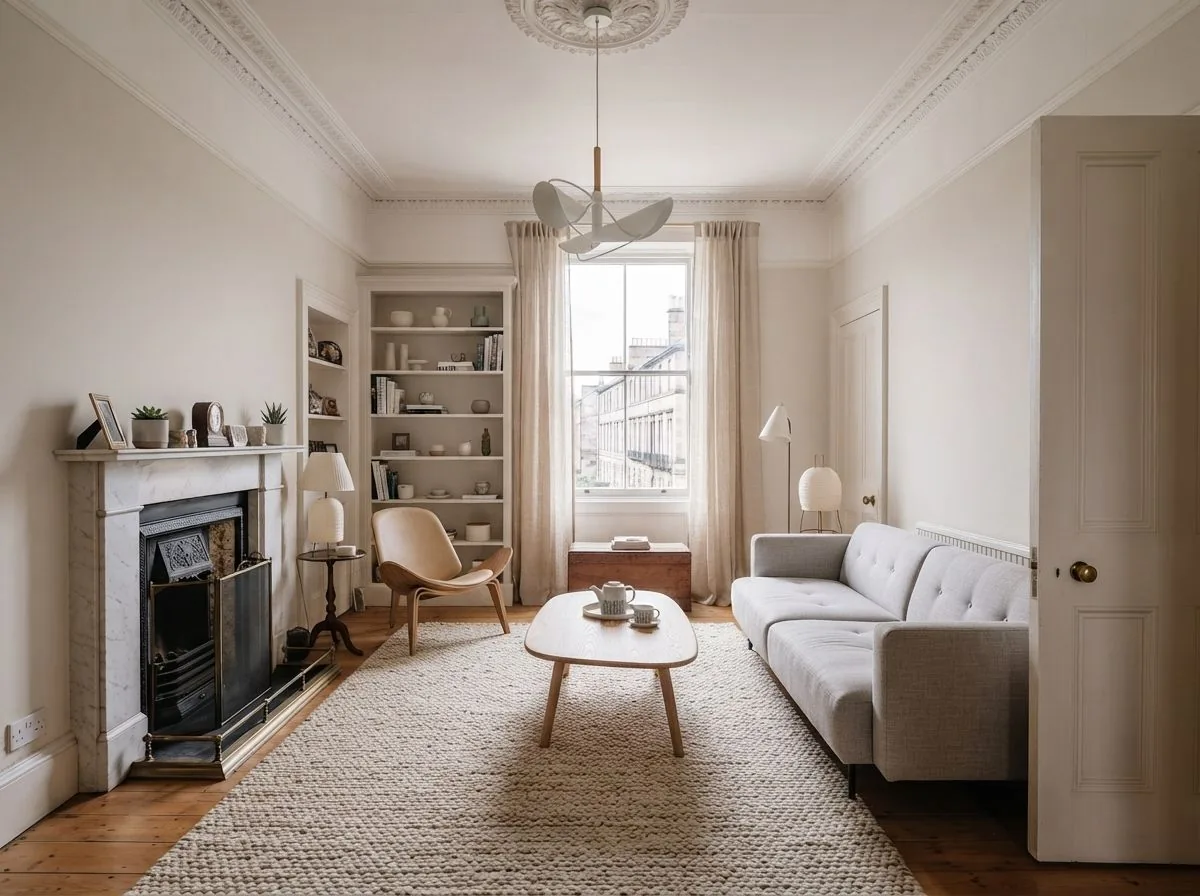
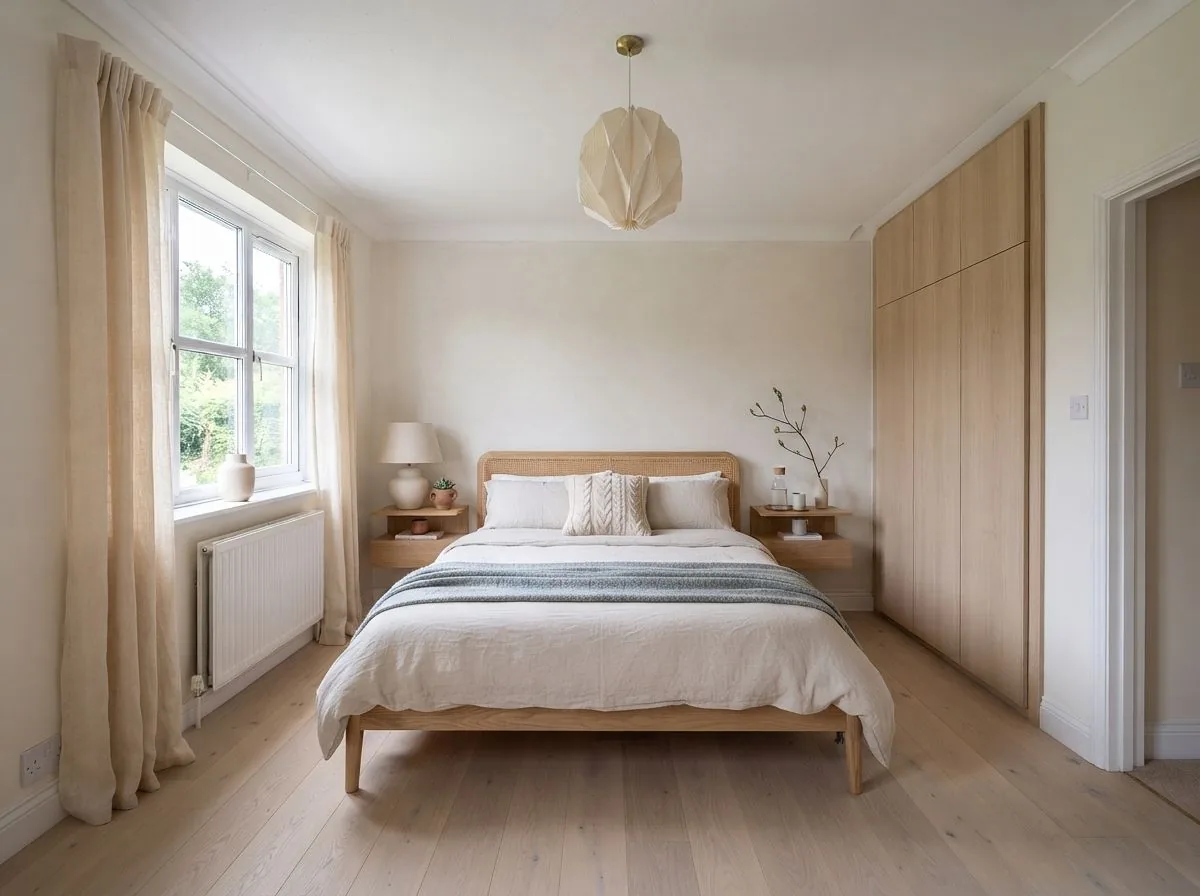
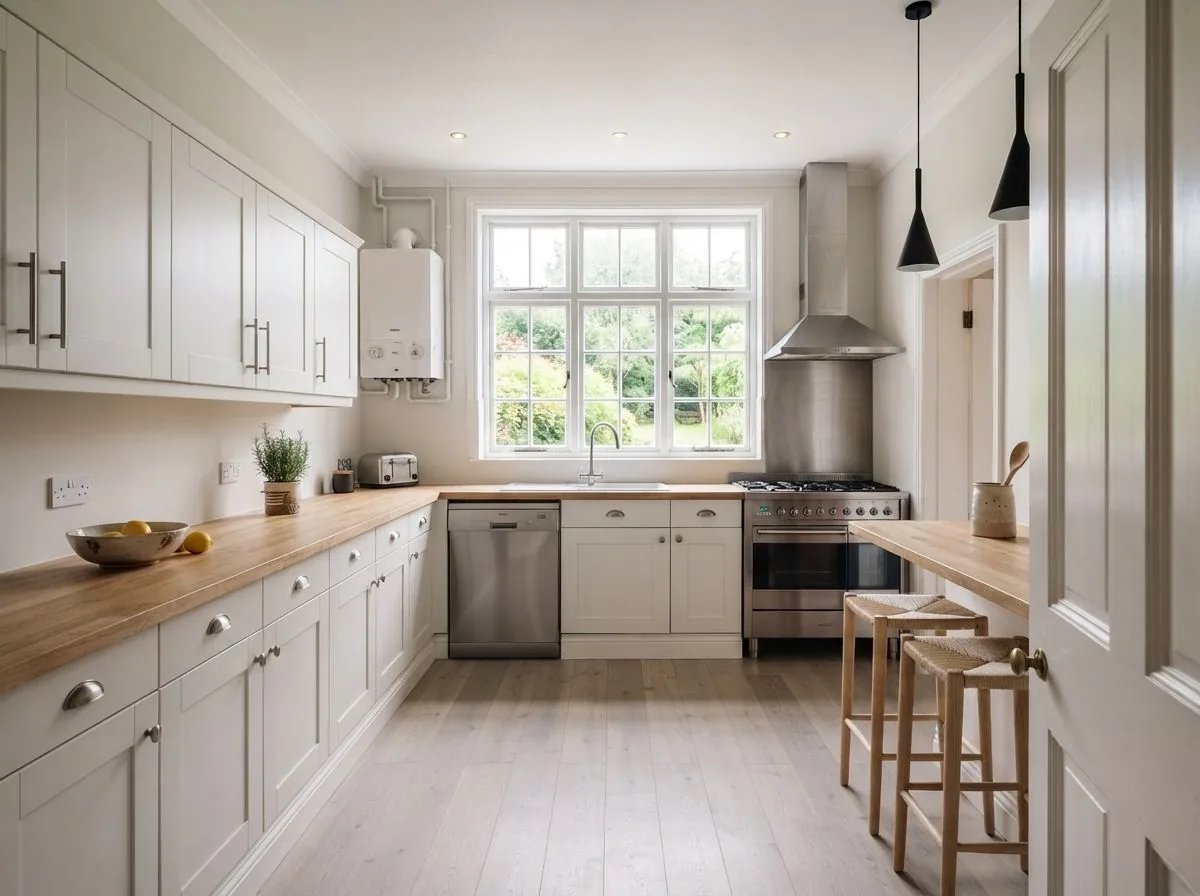



Shop the look
The furniture in your render, findable
A design you can't act on is a mood board. Roomagine closes the gap between the room on screen and the furniture in a shop.


-
Matched from your design, not a catalogue
Roomagine finds the chairs, sofas, beds and tables in the render you just made and looks for real products that resemble them. The matches are drawn over the image, so you tap the chair you liked rather than scrolling a list.
-
Saved products keep their price
Tap the heart and a product goes to your saved list along with what it cost the day you saved it. Prices are what they were when you saved them — we don't quietly refresh them behind you.
-
Real retailers, in your country
Matching is available in 9 countries: United States, Canada, United Kingdom, Germany, Austria, France, Spain, Italy and India. Tapping a product opens the retailer's own page.
-
It costs nothing
Finding matches doesn't spend a credit. Credits pay for rendering; browsing what's in the render is free.
In the app
Past the first render
Generating a pretty picture is the easy half. The rest of the app is about what you do with it.
What we'd change
A second opinion, in words
Ask Roomagine to read your room and it comes back with a short, specific list — three things it would change and why. Not 'consider adding warmth': which wall, which piece, which light. You can then render the room with those notes applied.
- Written for the room in your photo, not a style in general
- Rendered as discrete notes you can act on one at a time
- Costs one credit


Modify
Change one thing without starting over
Got a render that's almost right? Tell it what to fix — 'change the sofa to blue, add plants to the shelf' — and it re-renders the same room with that single change. One credit, one version.
- Keeps the room, the angle and the style
- Plain language, no prompt syntax to learn
- Every version stays in the room's history


Rooms & sharing
Everything stays organised, and shareable
Designs live inside rooms, rooms keep their names and dates, and nothing expires. Share a single design and Roomagine builds the before/after side by side for you — the version people actually respond to.
- Rooms → designs → versions, all kept on your device
- Rename, compare, swipe to delete
- Share sheet exports a before/after collage


Pricing
Credits, not a subscription
You buy a handful of credits, you spend them when you want a room, and that's the whole model. Nothing renews in the background.
| Action | Cost |
|---|---|
| One design | 1 credit |
| Modify a design | 1 credit |
| What we'd change | 1 credit |
| Finding furniture | Free |
- No subscription. Nothing renews, so there's nothing to cancel.
- Credits never expire — buy ten, use them over a year if you like.
- Packs of 10, 30, 100, 200. Prices are set by the App Store and Google Play in your currency.
- The app itself is free, and your first design is on us.
Who uses it
Different jobs, one photo
The app doesn't change much between these. What changes is what you do with the render.
-
Homeowners
Test the expensive decision before you make it. See the kitchen in three finishes, or find out that the sofa you keep circling doesn't work in that corner.
AI room design -
Renters
Nothing here needs a drill. Work out what changes with a rug, a lamp and a different chair — then buy exactly those.
Rental decorating ideas -
Estate agents & stagers
Show an empty listing furnished, in minutes, without hiring furniture. Disclose the staging in the listing and let buyers see the room's potential.
Virtual staging -
Designers & contractors
Put a visual in front of a client on the first call, then use it to brief the people doing the work.
Briefing a contractor
Questions
Before you download
Does it redesign my actual room, or generate a stock photo?
Your actual room. Roomagine works from the photo you take, so the windows, the ceiling height and the odd corner all survive into the result. That's the point — a beautiful room that isn't yours doesn't help you decide anything.
How long does a design take?
About 10 seconds, occasionally up to twice that under load. Versions render in parallel, so asking for up to 4 at once takes no longer than one. You can leave the screen — the render keeps going and is waiting when you come back.
Do I need an account?
You can browse the app and take photos without one. Creating a design needs an account, because designs and credits have to belong to somebody. Sign in with email, Google or Apple.
Is there a subscription?
No. Roomagine uses credits: one credit makes one version of a design, and credits never expire. Packs come in 10, 30, 100, 200 credits, priced by the App Store and Google Play in your local currency. Nothing renews, so there's nothing to cancel.
Can I upload a floor plan?
No, and we'd rather say so plainly. Roomagine restyles rooms as they're seen from eye level. You can start from a photo, an empty room, or a hand sketch of the room from inside it — but not a top-down plan.
How does the furniture matching work?
On a finished design, tap "Find matches". The app detects the chairs, sofas, beds and tables in the image and searches for real products that look similar, then draws the matches over your design so you can tap the piece you're interested in. It opens the retailer's own page. Matching is free — it doesn't cost a credit.
Where can I actually buy the furniture?
Product matching is available in 9 countries: United States, Canada, United Kingdom, Germany, Austria, France, Spain, Italy and India. Everywhere else the app still designs rooms, but the matching feature stays switched off rather than showing you shops you can't order from.
What if the result is wrong?
Give it another go — it's quick. Most disappointing renders come from a photo taken too close, in a dark room, or at a tilt: get the whole wall in frame, turn the lights on, hold the phone level. There's also a feedback button on every design, and it goes to a person.
Which languages and devices does it support?
The app is fully translated into English, German, Spanish and French, and runs on iOS 13+ and Android 8+. There's no web version.
What happens to my photos?
Your rooms and designs are stored on your device, and photos are sent to our rendering service to produce the design. The full detail is in the privacy policy, and you can delete your account and its data from inside the app at any time. Questions go to support@roomagine.ai.
Featured on





Your next room is one photo away.
Try one design in your browser without an account, or download the full app on iOS 13+ and Android 8+.
Try one room free