AI room design, from one photo of the room you actually have
No floor plans, no measurements, no 3D software. Photograph the room, choose a style, and Roomagine returns the same space — same windows, same proportions — redesigned.
- 24 design styles, plus a free-text prompt
- 8 room types, each with its own rules
- A finished design in about 10 seconds
- iOS and Android, free to download

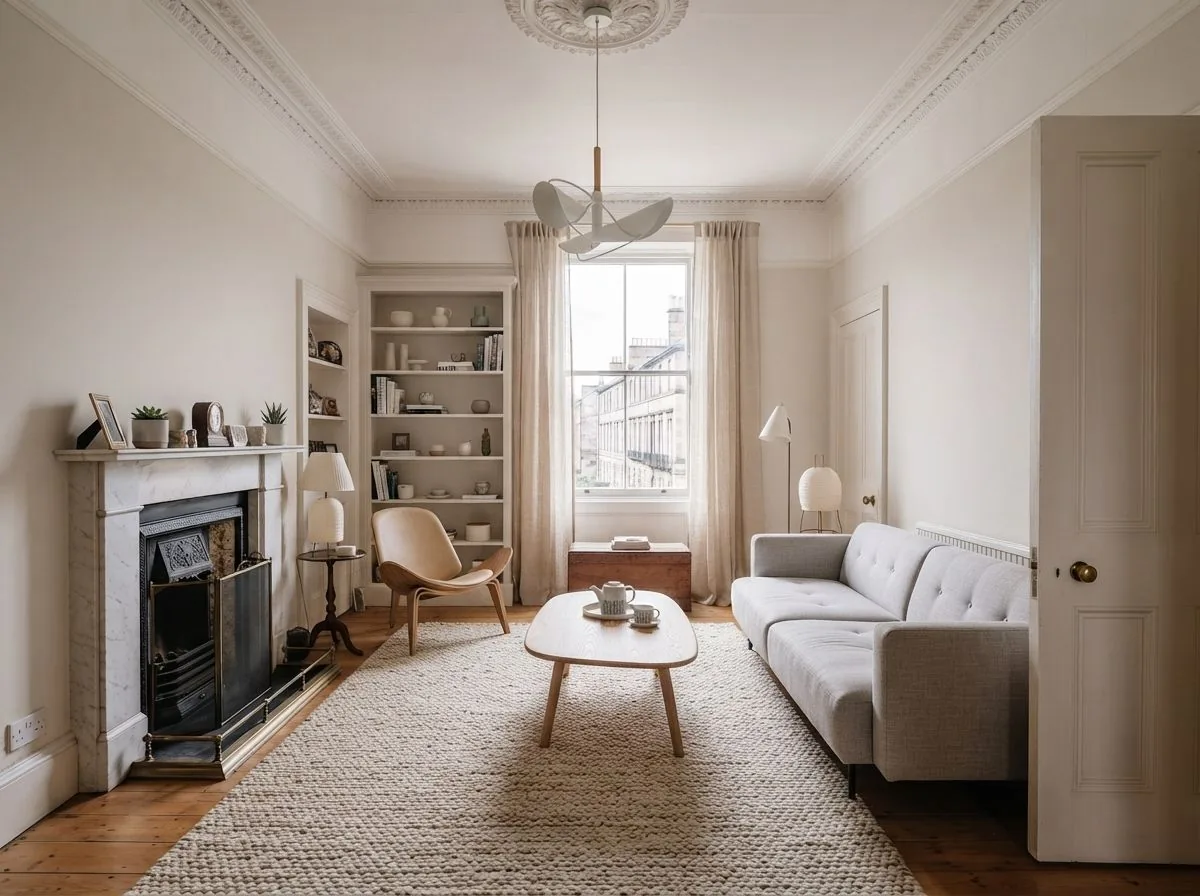
How it works
Four steps
- 1
Take one photo
Stand in a corner, back up until two walls are in frame, turn the lights on and hold the phone level.
- 2
Choose a style
Pick from 24, or type what you're after. Add an accent colour if you have one in mind.
- 3
Get the room back
About ten seconds later, the same room in that style. Ask for up to four versions if you want to compare.
- 4
Buy what's in it
Tap 'Find matches' to see real products resembling the furniture in your design. Free, and it opens the retailer's own page.
Rooms
What you can redesign
A bathroom is not a living room with different furniture. Each room type carries its own vocabulary, so fixed things stay fixed.
-
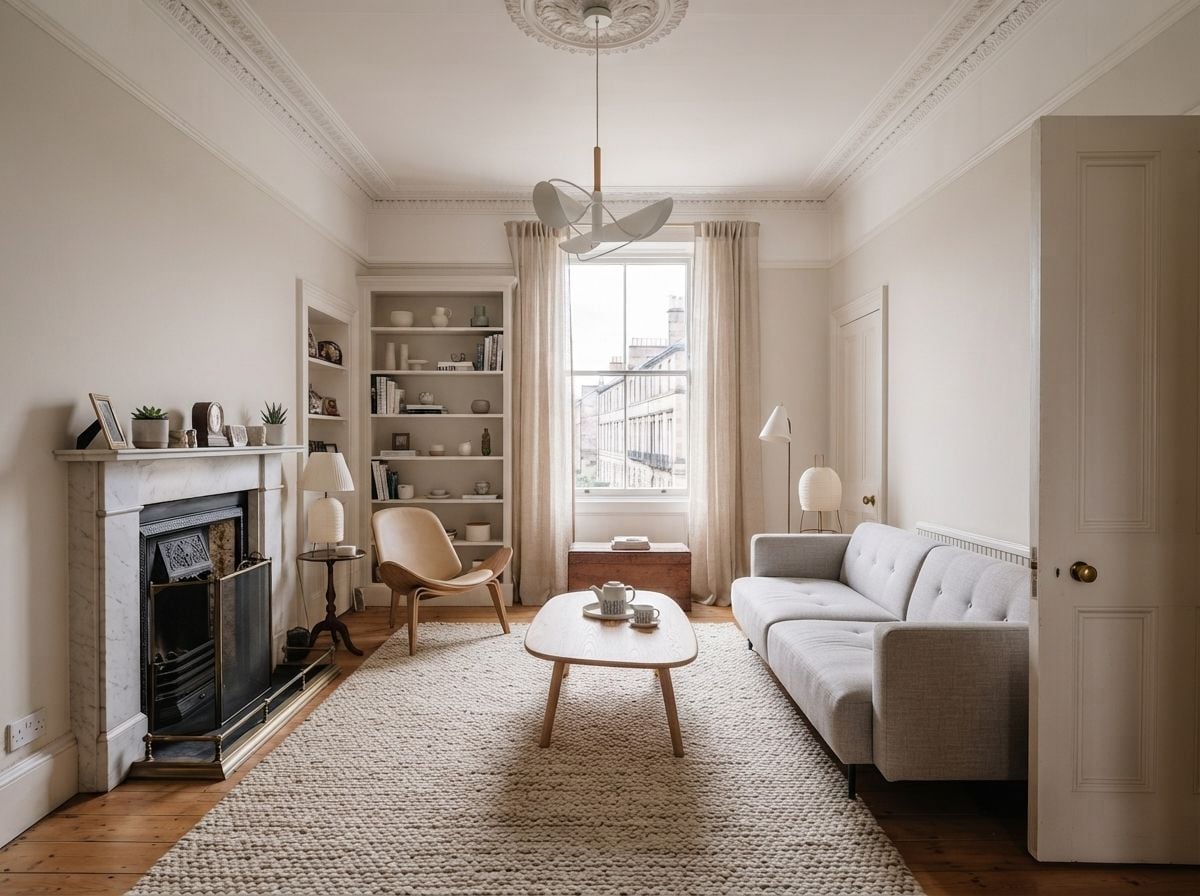
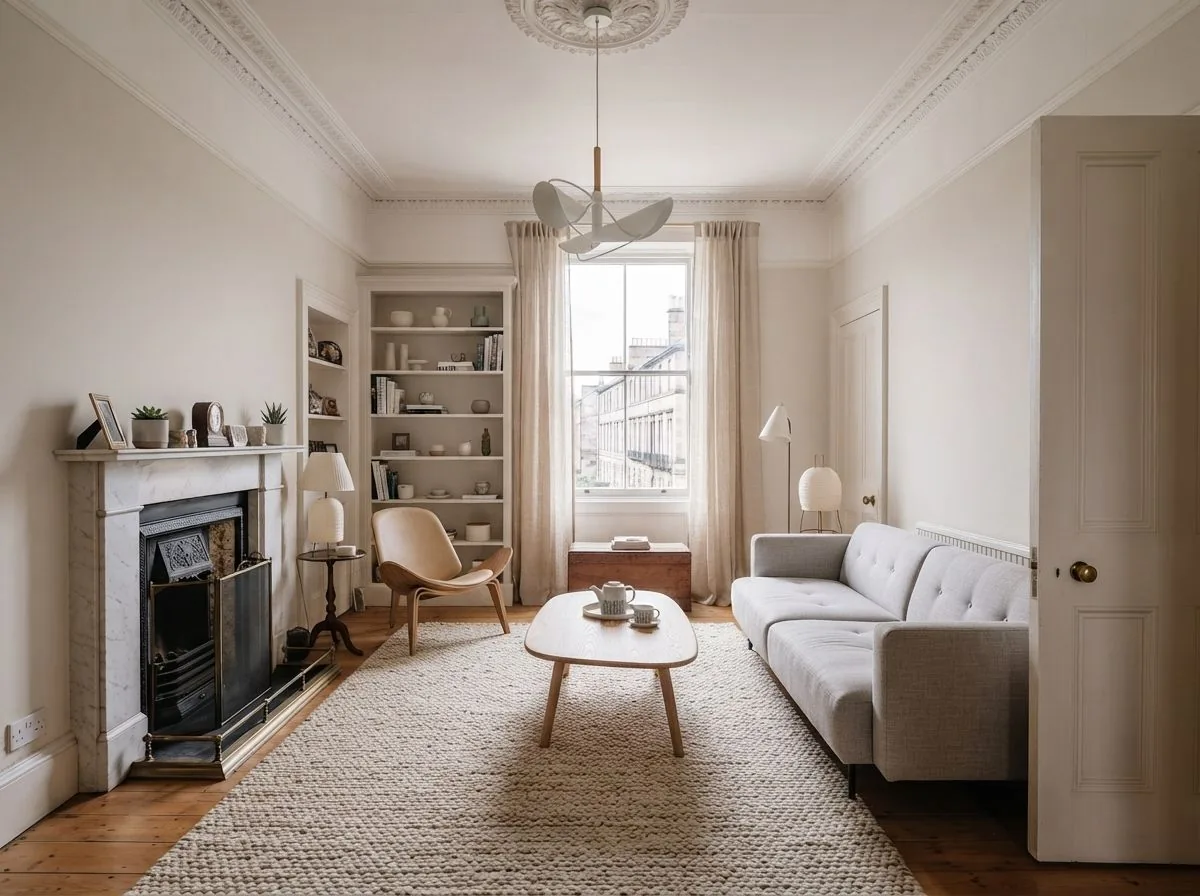
Living room
-
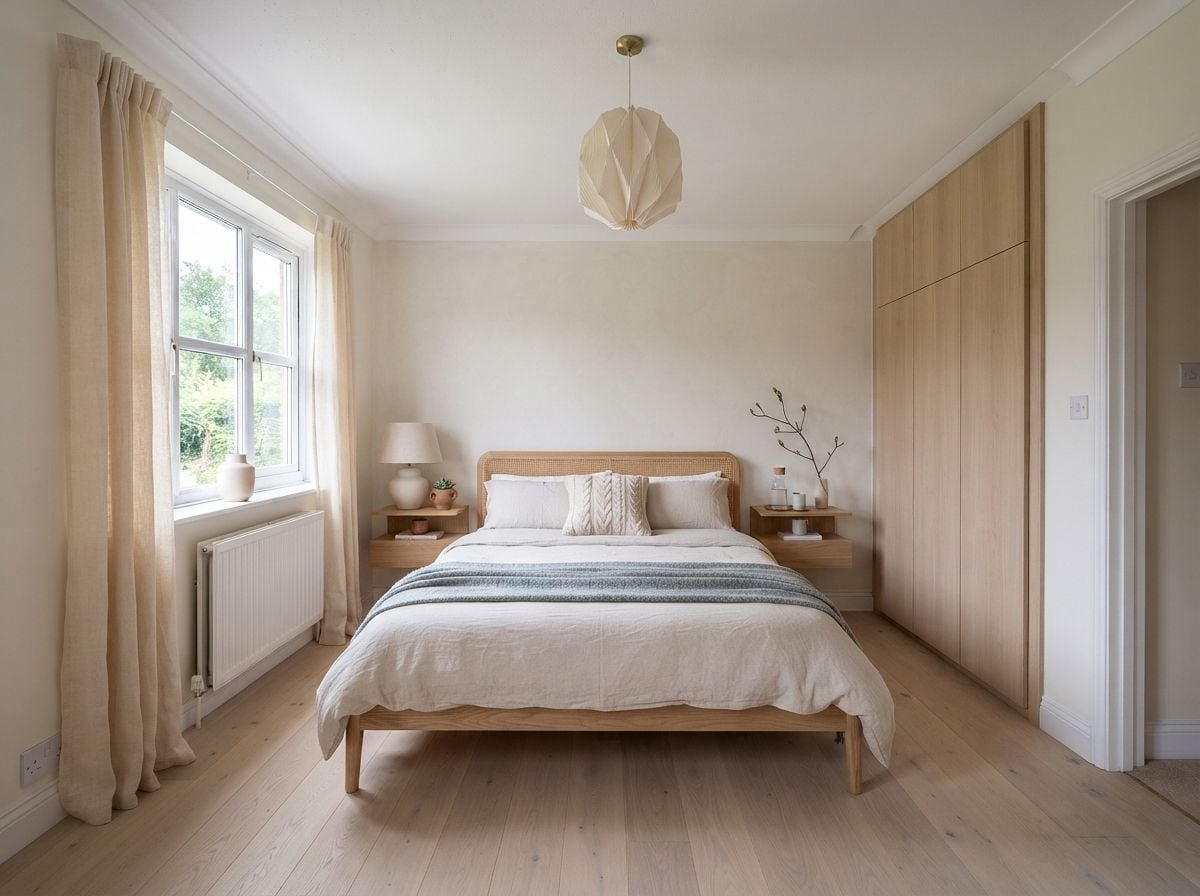
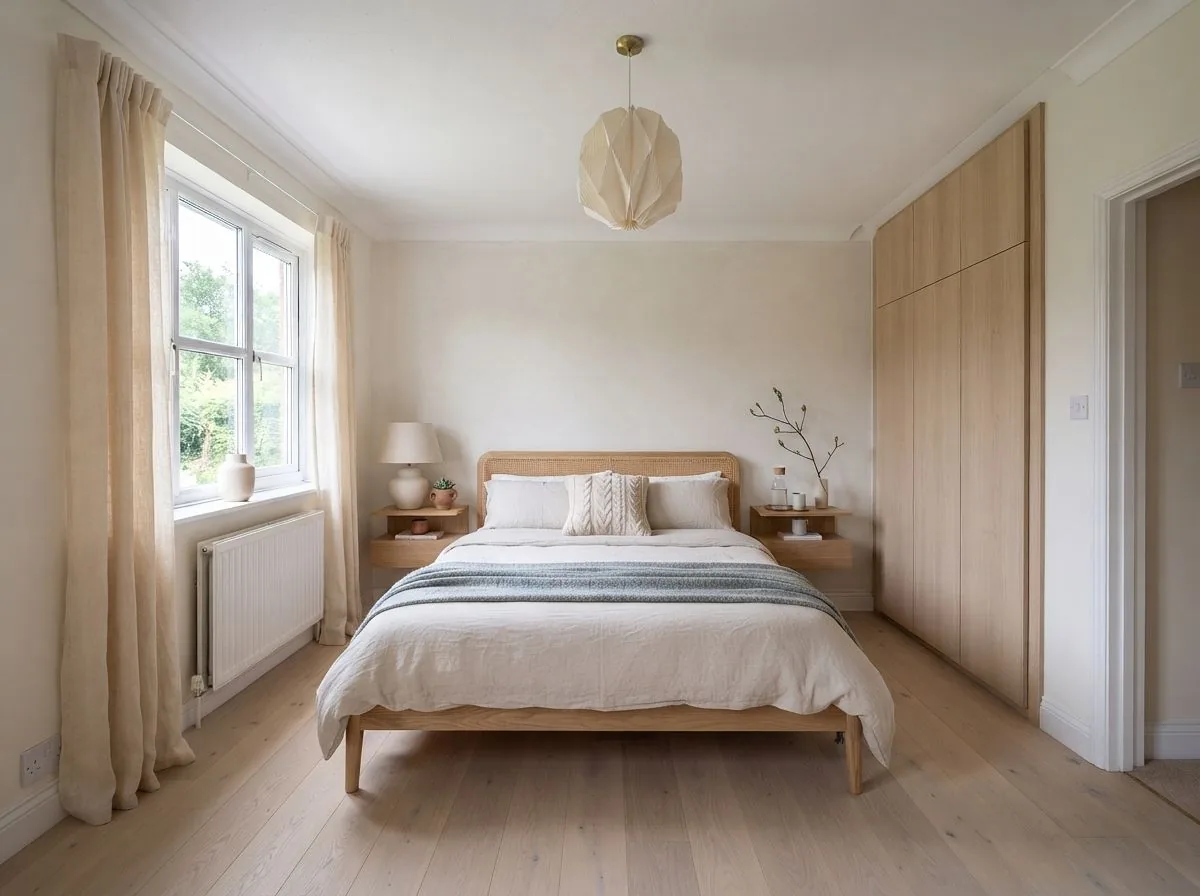
Bedroom
-
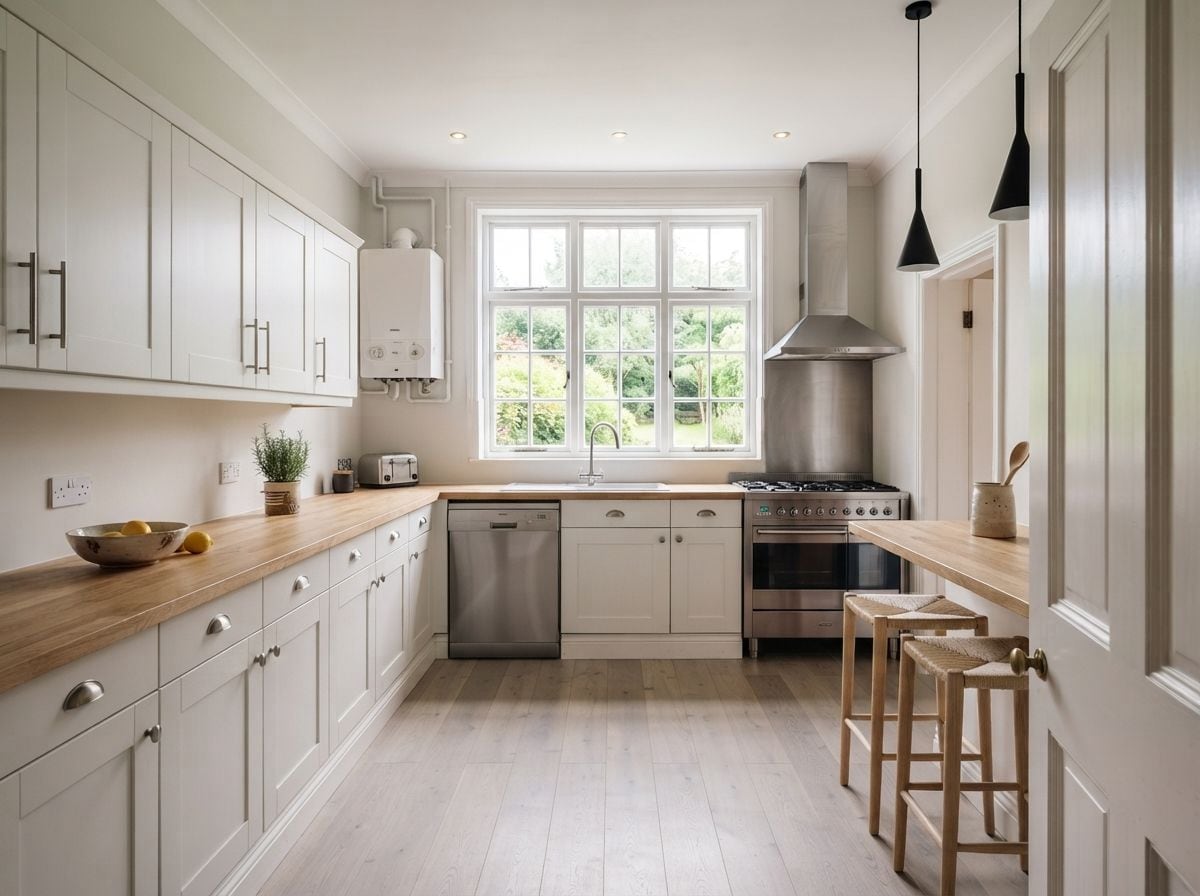
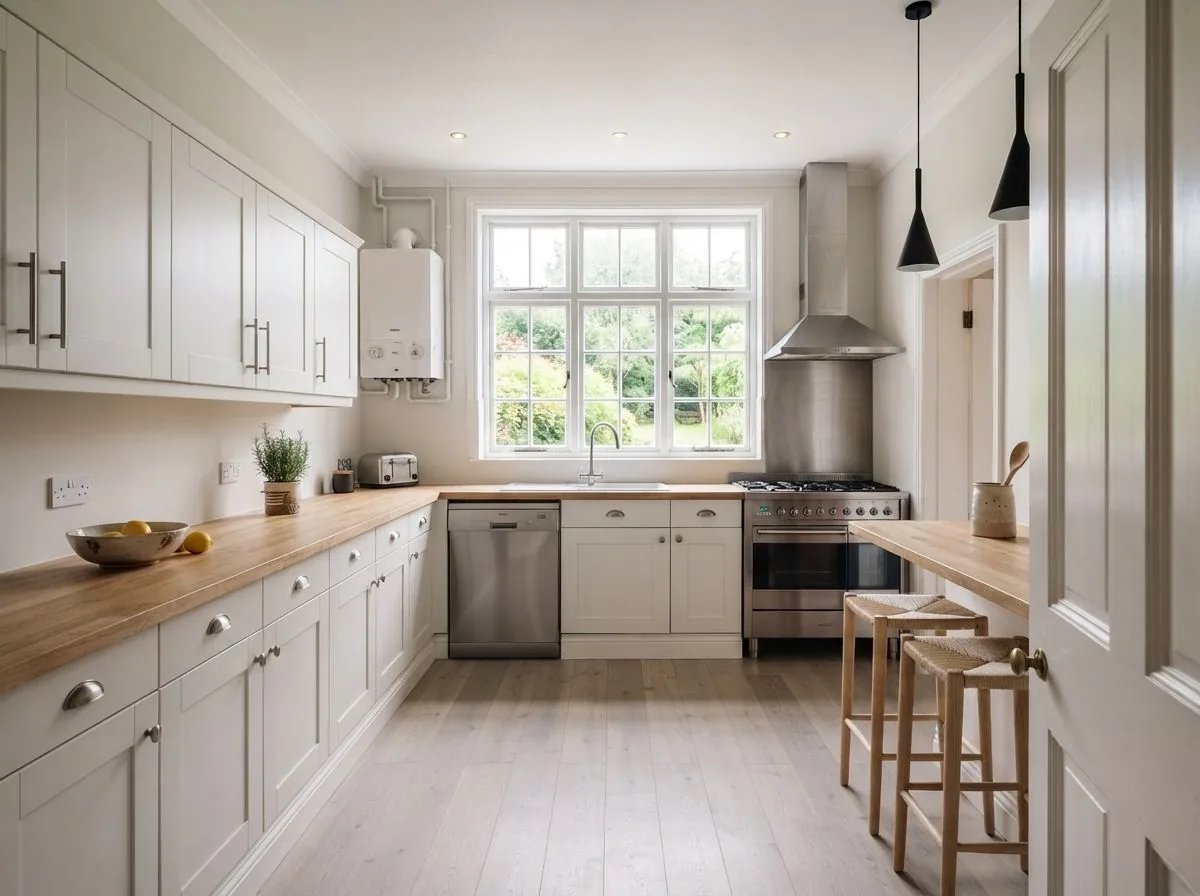
Kitchen
-
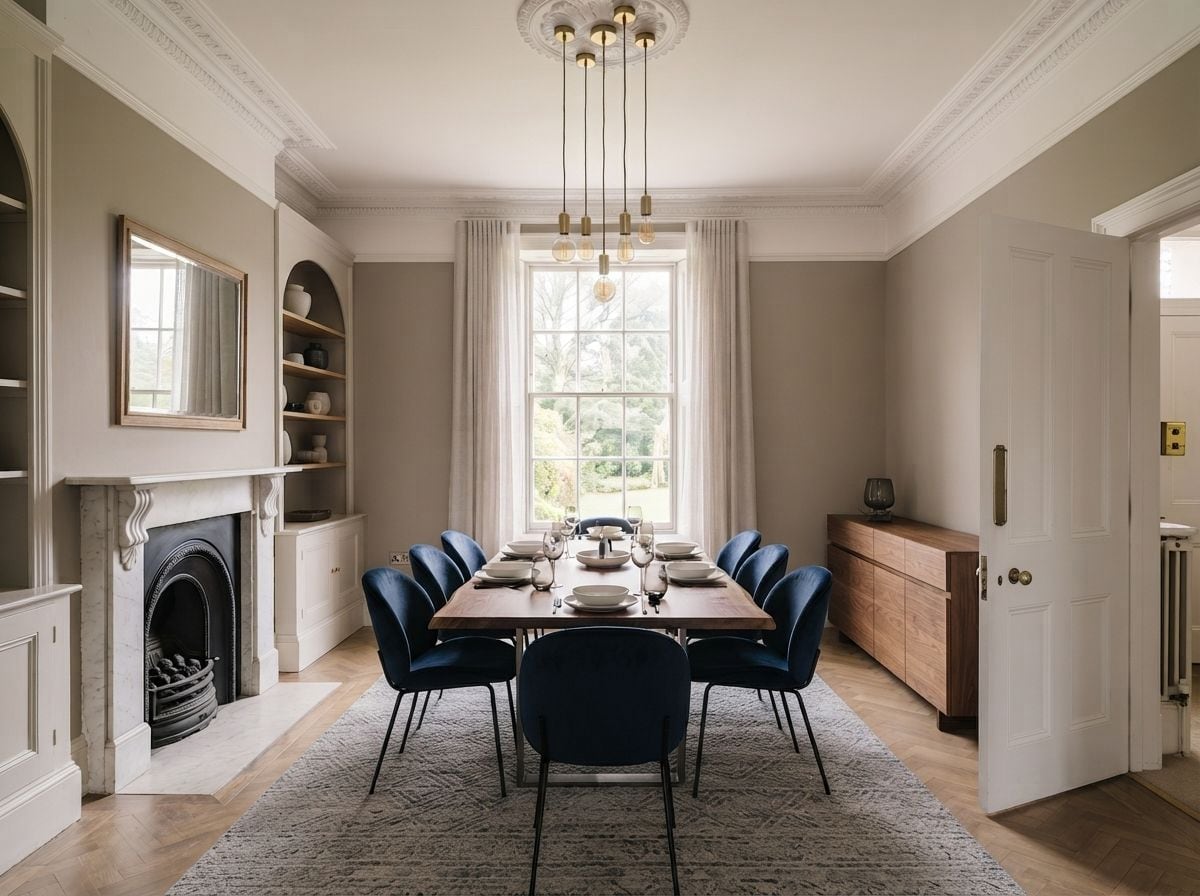
Dining room
-
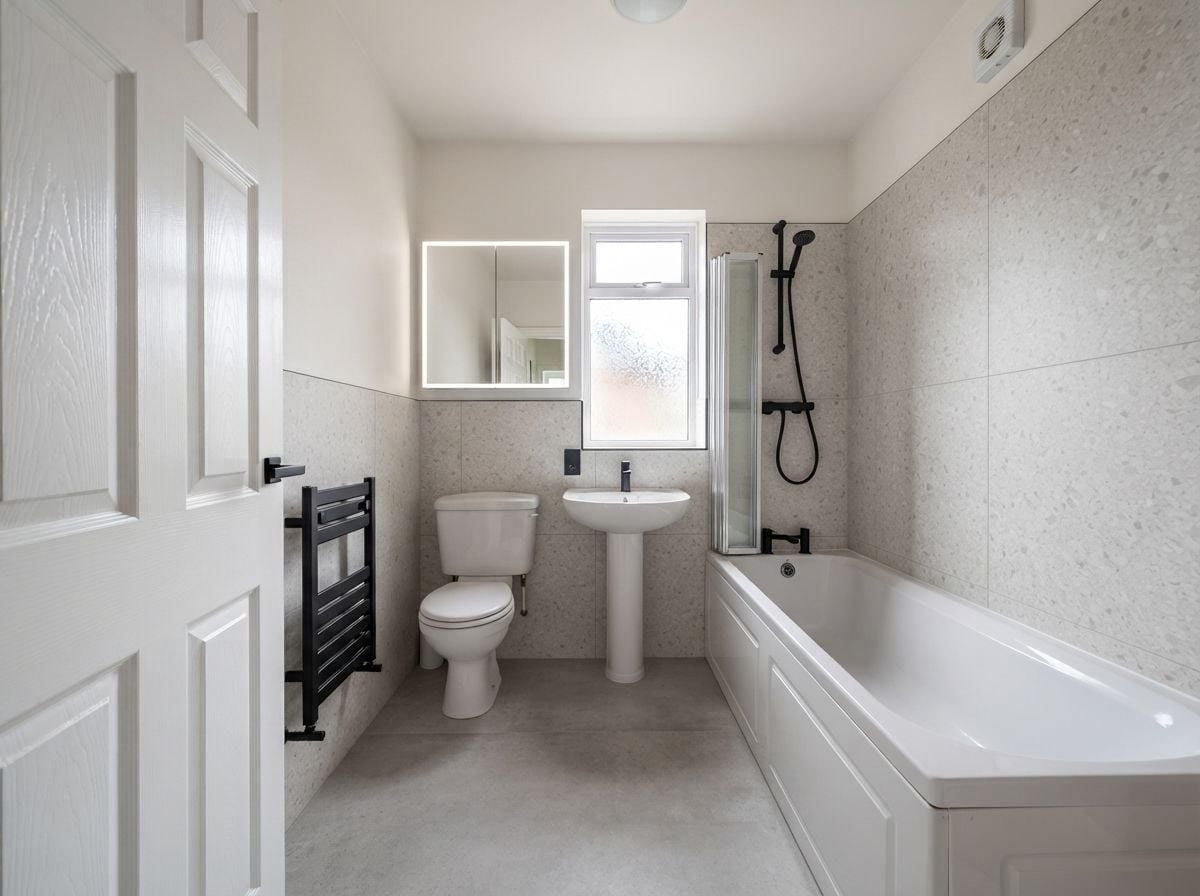
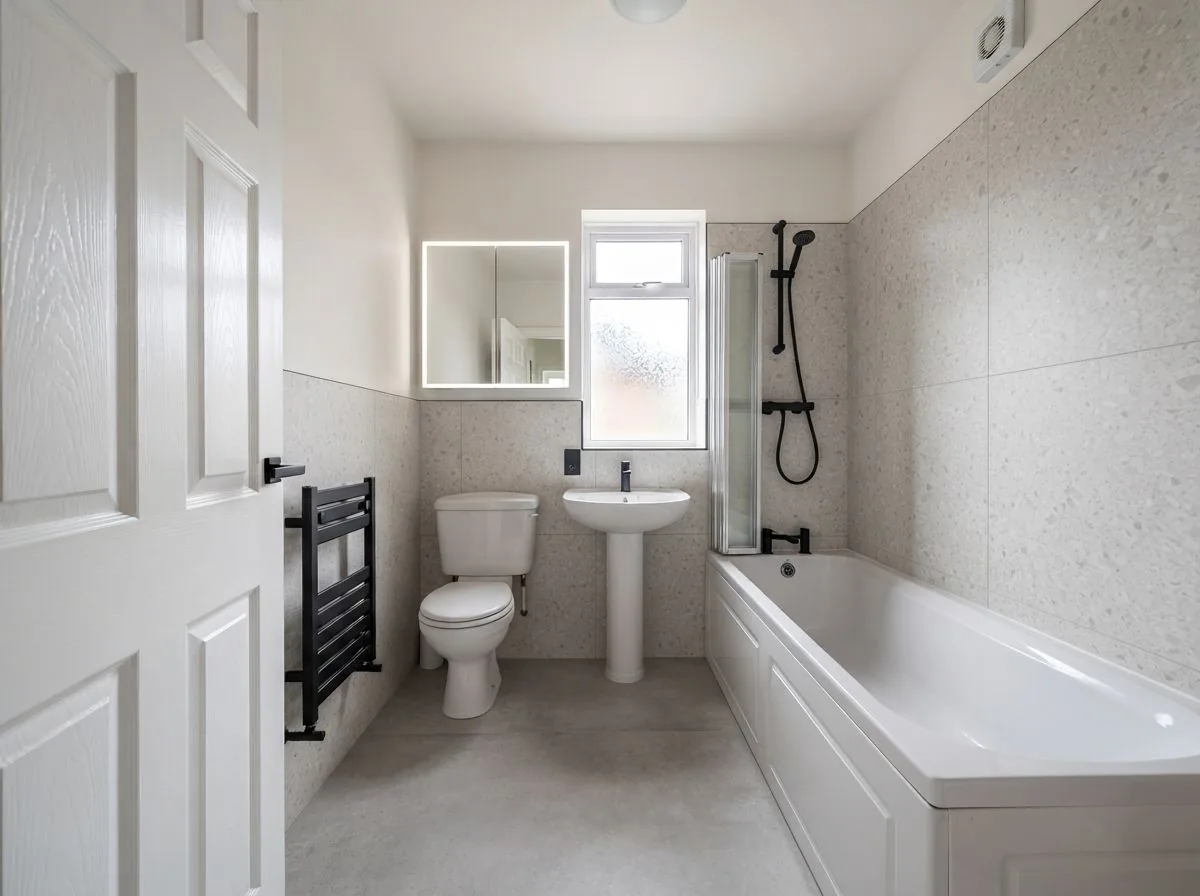
Bathroom
-
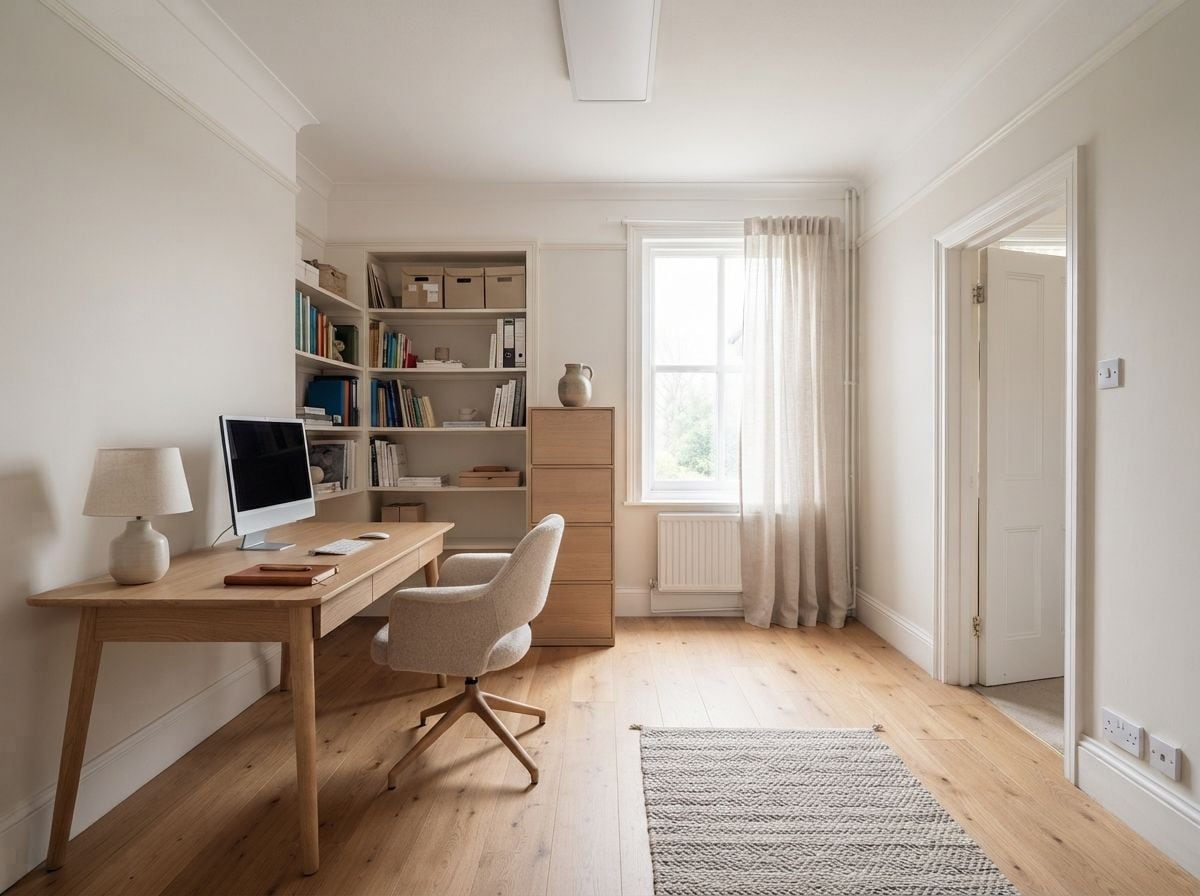
Office
-
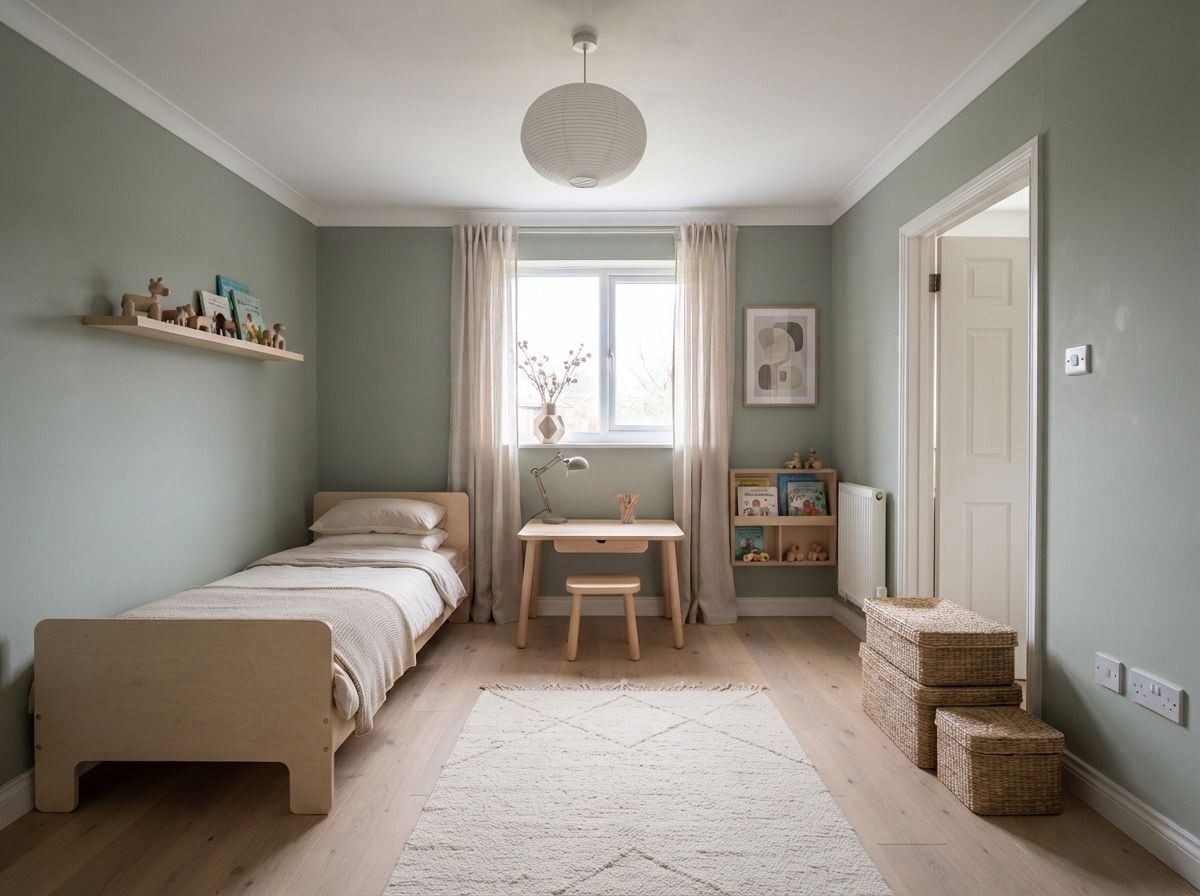
Kids' room
-
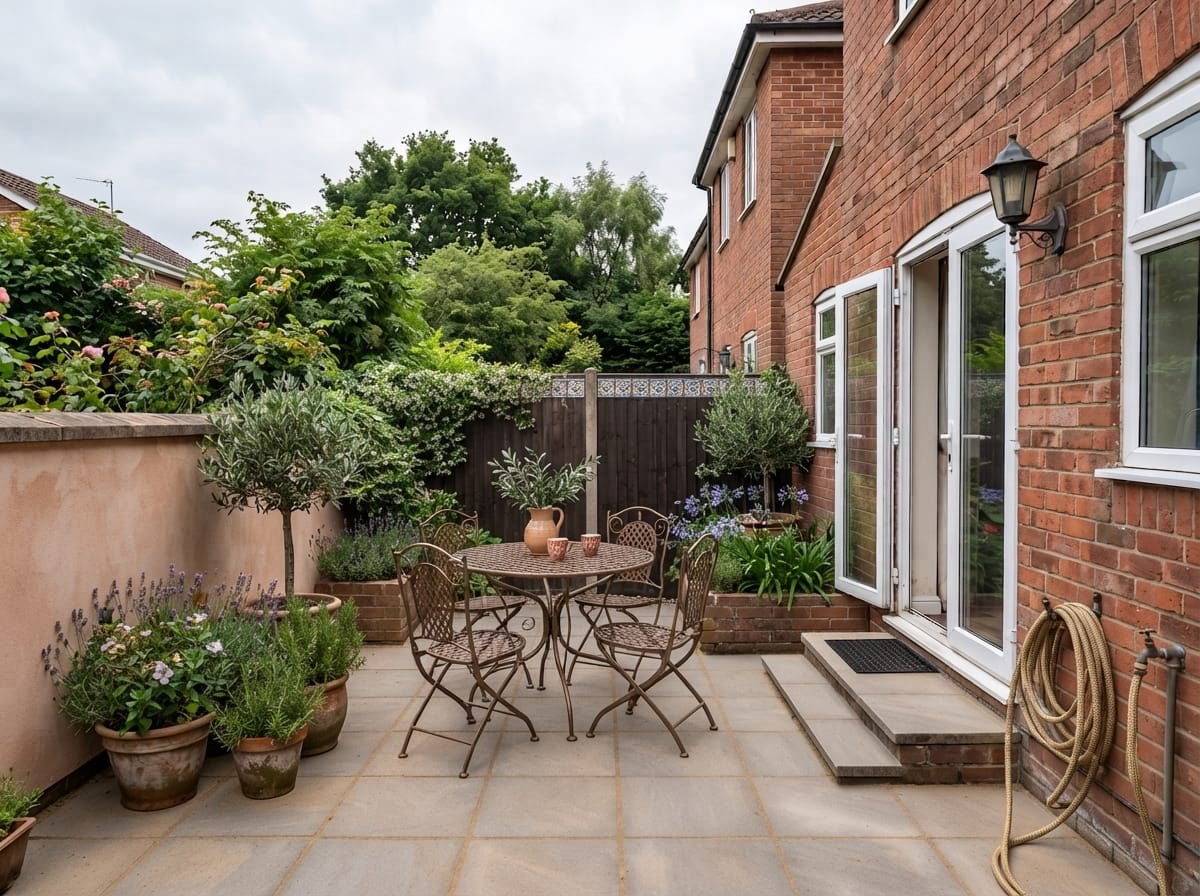
Outdoor & patio



Also worth knowing
Start from a sketch or an empty room
Photographs aren't the only way in. If the room is bare, we furnish it while keeping the architecture. If it only exists on paper, we read the sketch and render it.


Questions
AI room design, answered
What is AI room design?
AI room design means handing a photo of a real room to a model that produces a photorealistic version of that same room in a different style. It is not a 3D modelling tool and there is nothing to draw — the input is a photograph and the output is an image of the room you already have.
Does it keep my actual room?
Yes. Windows, doors, ceiling height and the room's proportions stay where they are. That's the difference between a design you can act on and a nice picture of somebody else's flat.
How long does an AI room design take?
About 10 seconds, occasionally a little longer under load. Versions render in parallel, so asking for up to 4 at once takes no longer than one.
How many styles can I try?
24 named styles, from Scandinavian and Japanese Zen to Art Deco and Mediterranean, plus a free-text box if none of them is quite it. You can also choose an accent colour.
Which rooms can it design?
8: living room, bedroom, kitchen, dining room, bathroom, office, kids' room and outdoor & patio. Each carries its own rules — bathroom sanitaryware and kitchen units are held in place while their finishes change.
Is it free?
The app is free to download and your first design is on us. After that, designs cost credits, which you buy in packs and which never expire. There is no subscription.
Your next room is one photo away.
Try one design in your browser without an account, or download the full app on iOS 13+ and Android 8+.
Try one room free